 Proudly Canadian owned and operated



Website Builder Comparison: Wix, Squarespace, WordPress, Shopify and Webflow
Choosing the right website builder is a crucial decision for any business. Whether you are launching a personal blog, building an eCommerce store, or starting a professional service website, the platform you select will impact your SEO, customization options, security, and ability to scale.
In this comparison, we analyze the top 5 website builders: Wix, Squarespace, WordPress, Shopify, and Webflow. You will learn what makes each platform unique, including pros and cons, ease of use, cost, SEO potential, and ideal use cases. If you want better search rankings and a scalable website for your business, this guide will help you make the right choice.
Quick Comparison Chart
| Platform | Best For | Ease of Use | SEO Tools | Customization |
|---|---|---|---|---|
| Wix | Small business websites and portfolios | 5/5 | 3/5 | 2/5 |
| Squarespace | Creatives and simple business websites | 4/5 | 4/5 | 3/5 |
| WordPress | Full scale websites and eCommerce stores | 4/5 | 5/5 | 5/5 |
| Shopify | Online stores and eCommerce businesses | 4/5 | 4/5 | 3/5 |
| Webflow | Designers and creative agencies | 3/5 | 4/5 | 5/5 |
Wix: Best for Simple Small Business Websites
Wix is a popular drag and drop website builder for beginners. It is easy to use and comes with lots of templates, making it ideal for small business owners who want to launch quickly and without writing any code.
Pros
- Easy to use with drag and drop features
- Many pre-built website templates
- Hosting and security included
Cons
- Limited SEO control
- Hard to migrate from Wix to another platform
- Limited flexibility for advanced features
Who Should Use Wix
Perfect for hobby sites, portfolios, small business websites without complex needs or long-term scalability requirements.
Squarespace: Best for Creative Professionals and Portfolios
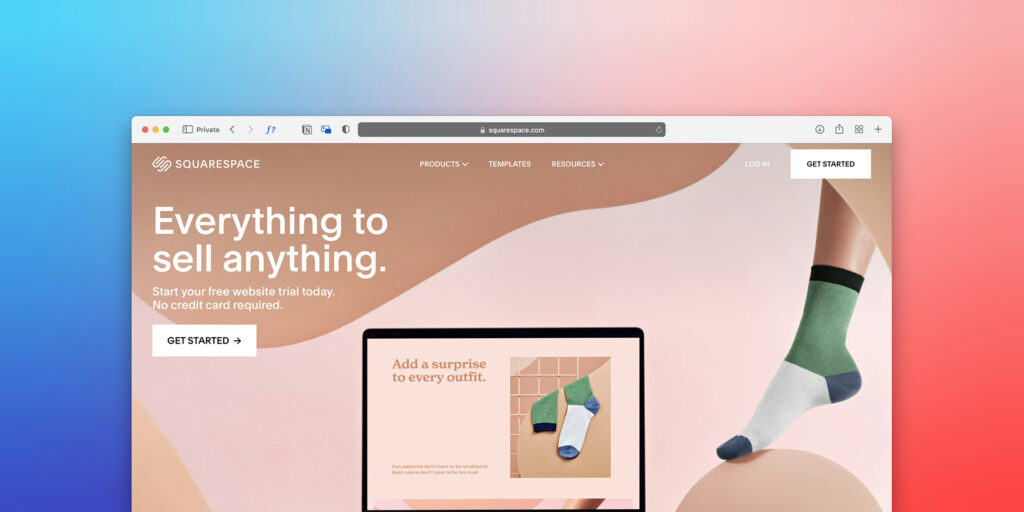
Squarespace is well-known for its beautiful and modern website templates. It is popular with creatives, photographers, designers, and bloggers who want a clean and stylish website.
Pros
- Excellent design templates
- Strong blogging and content organization
- Built-in marketing and email features
Cons
- Less flexible than WordPress or Webflow
- Templates limit customization options
Who Should Use Squarespace
Ideal for creative websites and simple small business web pages, where visual appeal matters more than advanced customization or SEO.
WordPress: Best for Custom Websites, SEO and Growth
WordPress is the most popular website builder in the world. Unlike Wix or Squarespace, WordPress is self-hosted and open source. This means you have full control over your website, SEO strategy, customization, and hosting environment.
Pros
- Best choice for SEO and performance
- Full customization using themes and plugins
- Scales with your business
Cons
- Requires more technical involvement
- Needs third party hosting and security management
Who Should Use WordPress
This is the right platform for business owners who want full control of their site. It is ideal for small business websites, corporate sites, members-only platforms, and online stores.
Why WebCrafters Uses WordPress
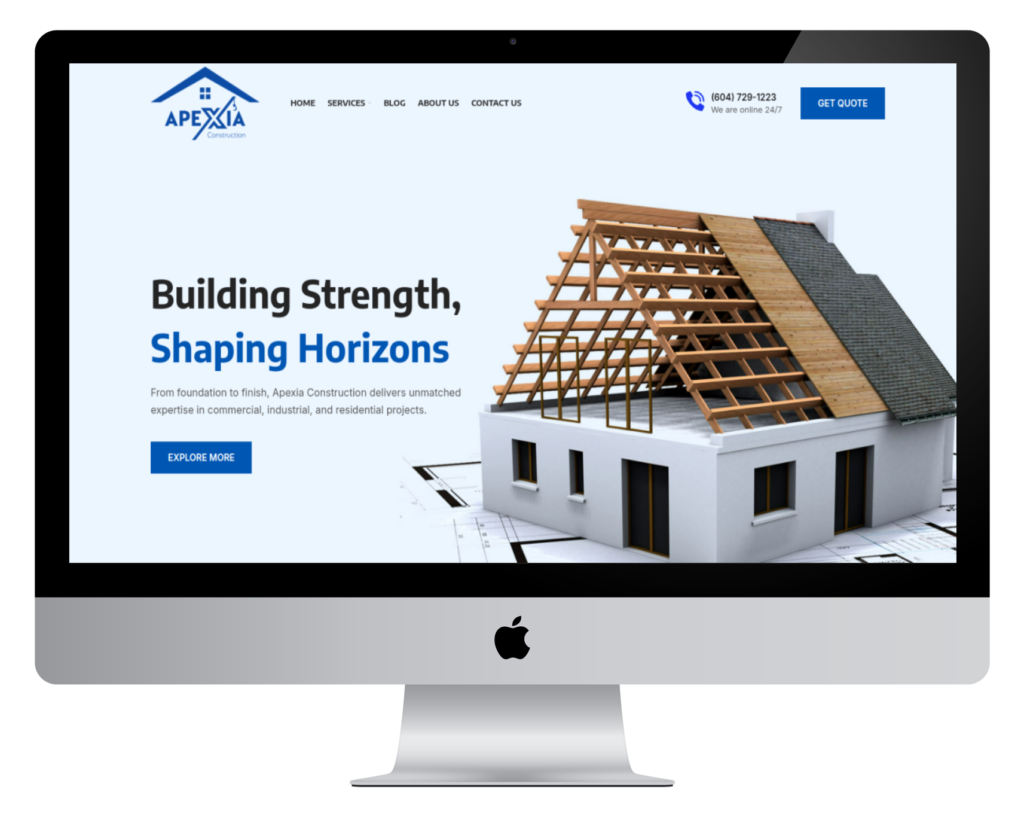
At WebCrafters, we use WordPress in most client projects. It helps us build fast and optimized websites with a long-term growth potential. It gives clients full ownership of their content and platform, which is essential for protecting brand equity and SEO.
Shopify: Best for E-commerce Stores

Shopify is designed for online stores. It offers excellent tools for managing product listings, processing payments, handling shipping, and connecting with marketplaces.
Pros
- E-commerce ready with built-in payment support
- Easy to use
- Plenty of integrations
Cons
- Higher monthly cost
- Custom design options are limited
- Extra app costs can add up
Who Should Use Shopify
Great for product-based businesses with a strong focus on selling physical or digital goods online.
Webflow: Best for Design Freedom and Complex Visual Projects
Webflow is a website builder that blends visual editing with full code-level control. Designers love Webflow because it offers the freedom to build fully custom websites without needing a developer.
Pros
- Full control over design and animations
- Good SEO functionality
- Perfect for custom build websites
Cons
- Learning curve is higher than others
- Can cost more for advanced features
Who Should Use Webflow
Best for custom design projects, creative agencies, and businesses that need a unique site with advanced animations and interactions.
Which Website Builder Should You Choose?

Here is a simple guide to help you decide:
| If You Want To | Best Platform |
|---|---|
| Build a quick and cheap website | Wix or Squarespace |
| Grow and control your digital presence | WordPress |
| Launch an online store | Shopify |
| Create custom designs without code | Webflow |
Choosing the right builder depends on your goal, design needs, SEO strategy, and future growth. If you are not sure which one is best, we recommend starting a conversation with an experienced web team.
Frequently Asked Questions
WordPress provides the most powerful SEO capabilities. With plugins like Yoast SEO, you can optimize title tags, meta descriptions, URL structures, and improve site performance for better Google rankings.
Yes, you can migrate from Wix or Squarespace to WordPress. It requires careful planning to preserve URL structure, search rankings, and redirects. WebCrafters provides safe migration services for businesses ready to scale up.
Shopify is built mainly for e-commerce. It offers basic tools for static pages, but its strength is in selling to online customers.
Prices vary based on features, design, and functionality. A typical business website built on WordPress costs between 3,000 and 15,000 CAD.
While WordPress is our preferred platform for most businesses, we also work with Shopify and Webflow when the project requires it. We always recommend the best platform for your specific goals.
This article reflects general industry observations and publicly available information. WebCrafters is not affiliated with or endorsed by Wix, Squarespace, WordPress, Shopify, or Webflow, and all trademarks belong to their respective owners.